Beast of Reincarnation Difficulty, Settings & Accessibility Guide
What Beast of Reincarnation currently confirms about difficulty, camera, text, subtitles, controls, voice-over and cutscene settings — plus what Fictions has only planned for future patches.
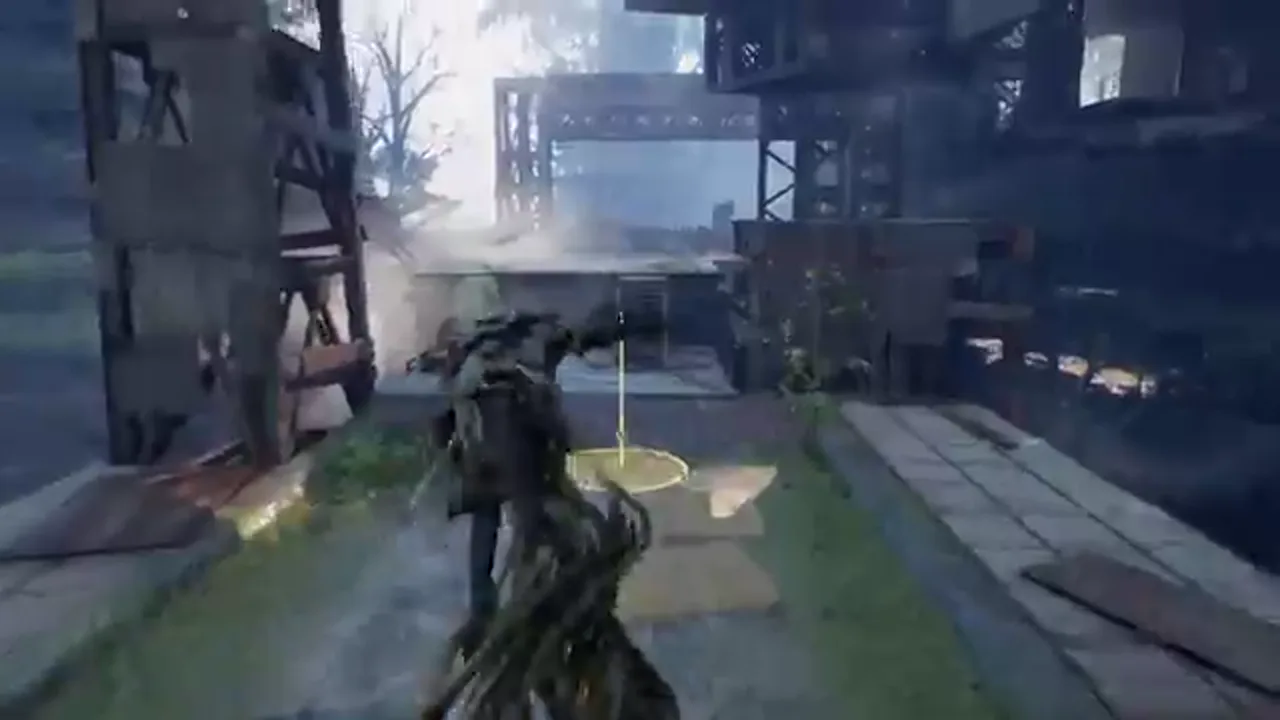
Beast of Reincarnation’s first post-launch patch gives us a clearer picture of the settings that exist today and the improvements Fictions is still working toward. That is more useful than repeating a generic promise that a technical action game is “accessible.” The official support material confirms difficulty levels, voice-over switching, cutscene-frame-rate controls, camera and text adjustments, independent Interact binding customization, and fixes for PC display settings. It also lists several requested options that are planned, not yet delivered.
This guide is deliberately evidence-led. It does not score the game’s accessibility or claim that every player will find the same option sufficient. It explains what is named by Fictions as of v1.0.7 / v1.005.000, how to find the confirmed settings, and how to avoid mistaking a roadmap item for a live feature.
Begin with the current patch
Settings advice depends on version. Fictions lists v1.0.7.0 as the current version on Xbox Series and Steam, and 1.005.000 on PS5. Install the latest update before judging a camera behavior, text-size issue or graphics setting from an older launch video. The patch changes several of these areas directly.
On PS5, open the game in your library, press Options and choose Check for updates. On Xbox Series, use Manage Game and add-ons and inspect the Updates section. On Steam, select the game in the library and use the Update control, then check Library → Downloads. The official support hub has platform-specific instructions and should be your first stop if an update does not appear.
Difficulty: what is confirmed, and what is not
Fictions’ v1.0.7 notes refer to balance changes for bosses across all difficulty levels and changes to normal enemy encounters on Normal difficulty. That confirms the game has difficulty settings and that the developer is willing to adjust encounters after release.
The official notes do not publish a complete list of difficulty names, the exact modifiers each level uses, or a promise that every accessibility feature is tied to difficulty. We therefore do not label any mode as “story,” “easy” or “hard” without a current first-party source. If your goal is to make the opening hours less punishing, start by ensuring the patch is installed, explore the in-game settings yourself, and make changes one at a time so you can tell what improves comfort or readability.
The patch also adjusts the parry window when Emma is taking damage. It does not disclose frame data or say that parrying is universally easier. Treat this as a current-gameplay change, not a reason to follow an old timing guide blindly. The Real-Time Action & Command Combat page explains why parry timing also matters for Koo’s command-point loop.
Camera adjustments and future camera controls
v1.0.7 includes various player-camera adjustments both in and out of combat. Fictions also says additional camera work is planned, including a camera-distance option, further boss-camera adjustments and changes to selected cinematic presentation elements.
The wording creates two separate facts. First, camera behavior has already been adjusted in the live patch. Second, a player-facing distance slider is a future plan, not necessarily an available menu option today. If camera distance is important for motion comfort, do not rely on a patch-note bullet as proof that you can change it right now. Install the update, inspect Settings, and check later official notes for a specific implementation announcement.
For reports involving camera behavior, be specific. State the platform, version, location or boss, the camera mode if relevant, and what happens. “The camera is bad” is hard to reproduce; “camera distance changes unexpectedly after this attack at version 1.0.7.0” gives support a useful starting point.
Text, subtitles and visual readability
Fictions says the patch adjusts text size throughout the game. It also says further subtitle text-size work and a subtitle-size option are planned. The first statement is a completed adjustment; the latter is a roadmap item. This is an important boundary for players who need larger subtitle text: a general improvement does not automatically mean a dedicated subtitle-size control exists on every platform.
If you are using a television from a distance, begin by applying the current patch and reviewing the game’s text and subtitle display in a representative scene. Take note of any specific difficulty: subtitle legibility, menu labels, timing prompts or on-screen tutorial text. If the issue remains, use the Fictions support channel rather than assuming a planned feature is hidden in a submenu.
The same support notes mention adjustments to selected cutscene presentation and future replayable cutscenes/events. These may help different players in different ways, but the official material does not provide a full visual-accessibility audit. This guide will only add a broader claim after it can be tested with a stated platform and patch version.
Change voice-over language
Fictions confirms that Beast of Reincarnation is fully voiced in both English and Japanese. To switch voice-over language, return to the main menu, open Settings, select Languages, then choose Voice-Over Language and select English or Japanese.
The main-menu requirement matters. The official instructions say the selection can be changed at any time, but only from that menu. If you are mid-session and cannot find the option in an in-game pause menu, that behavior is consistent with the support article rather than a missing installation. Language availability on storefront pages may list more interface or subtitle languages; voice-over availability is the separate confirmed choice described here.
Cutscene frame-rate options
The cutscene setting is found under Settings → Graphics → Frame Rate (Cutscenes). Fictions lists two choices: Cinematic (24 FPS) and Performance (same FPS as game settings). The v1.0.7 patch changes the default from Cinematic to Performance, so new/default behavior should no longer be 24 fps unless the player chooses Cinematic.
The default change does not overwrite a player’s existing preference automatically. Fictions specifically notes that players already set to Cinematic must change the option themselves if they want Performance going forward. If you are sensitive to lower frame rates in cinematics, check this setting after updating. If you prefer the look of a cinematic presentation, keep in mind that it is still available as an explicit choice.
Controls and remapping
The patch adds independent customization for the Interact button. It also fixes a bug in which button-icon type changes were not saved correctly. Fictions further lists a future Interact/Examine remapping option, which suggests additional control work is being considered. The exact scope of all current bindings is not published in the patch notes, so we should not claim full remapping or platform-identical layouts without checking the current menu.
The safest way to configure controls is to set one preference, leave the menu, restart if necessary, and confirm that it persists. That matters especially on PC, where the patch also fixes an issue that reset upscaling settings after restart and a V-Sync issue that could affect resolution settings. The PC System Requirements & Settings Guide explains the published PC baseline; this page covers the patch-linked settings behavior.
A practical comfort-first setup order
If the game feels uncomfortable or hard to read, make changes in this order:
- Install the latest patch and confirm the version.
- Choose English or Japanese voice-over from the main menu if language comprehension is a concern.
- Set cutscene playback to Cinematic or Performance based on your preference.
- Review the camera and text after the patch in normal gameplay, not only in a single cutscene.
- Adjust the confirmed Interact binding if it conflicts with your preference.
- On PC, confirm graphics settings persist after restart before changing several variables at once.
- Record the platform, version and reproducible issue before submitting a support ticket.
This is not a substitute for a medical or accessibility recommendation; it is a way to make the official options and support route easier to use. The Patches & Known Issues guide tracks the difference between currently implemented fixes and the feature roadmap.
What to watch for in future patches
Fictions says it plans subtitle-size controls, a player-camera-distance option, further boss-camera adjustments, ultrawide support, newer DLSS/FSR support, cutscene/event replay, navigation markers and other improvements. Plans can be delayed, changed or released in stages. A later patch note is the only reliable proof that one is live.
When we add an update here, it will include the exact version, platform wording and official source. That approach keeps the page useful for players who need reliable settings information without turning a hoped-for option into a false instruction.
Frequently asked questions
Does Beast of Reincarnation have difficulty levels?
Yes. Fictions' v1.0.7 notes refer to boss balance adjustments across all difficulty levels and normal-enemy adjustments on Normal difficulty. The official notes do not publish a complete difficulty-setting breakdown.
Can I change the voice-over language?
Yes. Fictions says English and Japanese voice-over can be selected from the main menu through Settings, Languages and Voice-Over Language.
Can I change cutscene frame rate?
Yes. Settings, Graphics and Frame Rate (Cutscenes) offers Cinematic at 24 FPS or Performance, which follows the game frame-rate setting.
Can I resize subtitles or move the camera farther away?
Fictions lists subtitle-size controls and a camera-distance option as planned future improvements. They should not be treated as currently available until a patch says they are implemented.