Beast of Reincarnation PC System Requirements & Settings Guide
The confirmed Steam PC requirements for Beast of Reincarnation, including minimum and recommended CPUs, GPUs, memory, storage, target settings and a careful pre-purchase checklist.
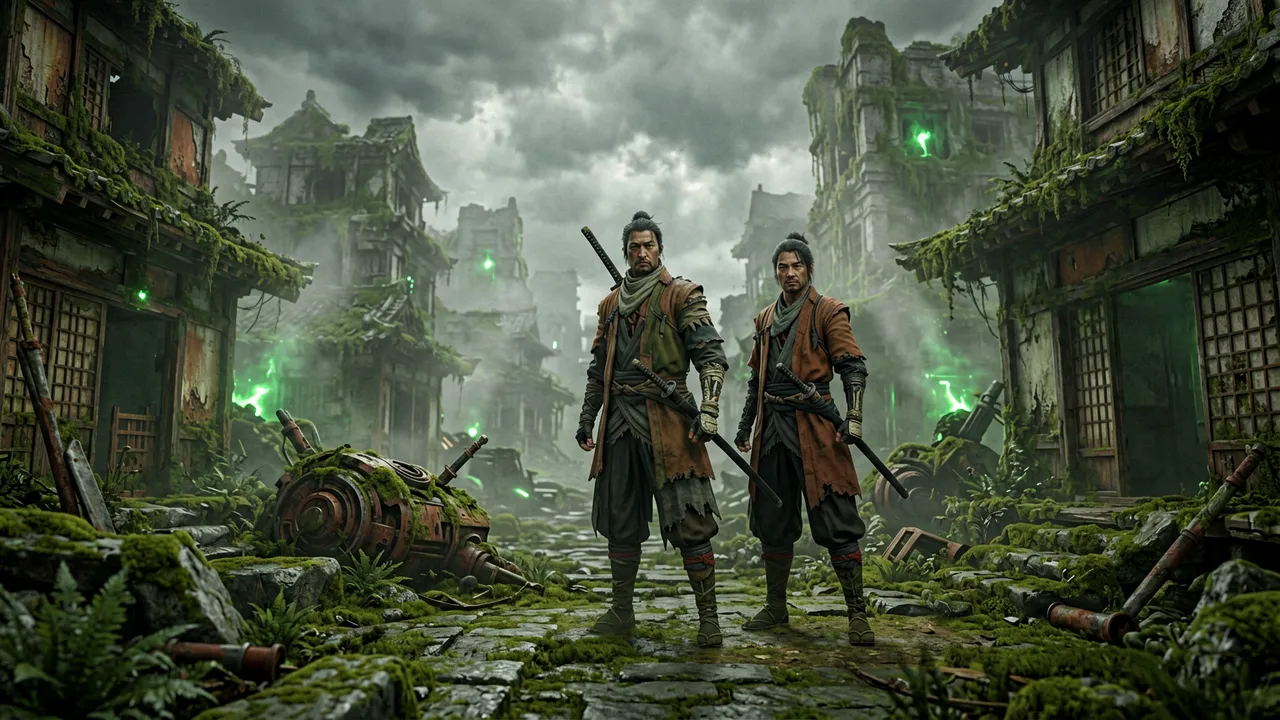
The PC requirements for Beast of Reincarnation are now published on Steam, so there is no need to rely on the pre-launch estimates that circulated before release. The short version is that the game asks for a 64-bit Windows PC, 16 GB of RAM, DirectX 12 and 45 GB of free storage, with an SSD explicitly required by the store notes. The minimum graphics target is older mid-range hardware; the recommended target is a more modern six- or eight-core CPU paired with an RTX 3060 or Radeon RX 6700 XT.
This guide explains what those numbers mean, how to compare them with your own PC, and what to check before purchasing. It does not claim a universal frame rate from a list of parts: laptop power limits, drivers, resolution, background software and future patches can all change the result. Treat Steam’s live listing as the final authority if its requirements change after this update.
Official PC requirements
Steam lists the following requirements for the current PC version.
| Tier | CPU | GPU | Memory | Storage | Store target |
|---|---|---|---|---|---|
| Minimum | Intel Core i5-8400 or AMD Ryzen 5 3600 | NVIDIA GeForce GTX 1070 8 GB or AMD Radeon RX 580 8 GB | 16 GB RAM | 45 GB available, SSD required | Low, 1080p at 40 fps with DLSS on RTX 20–50 cards or FSR 1 Performance |
| Recommended | Intel Core i7-12700K or AMD Ryzen 7 5800X | NVIDIA GeForce RTX 3060 12 GB or AMD Radeon RX 6700 XT | 16 GB RAM | 45 GB available, SSD required | Medium, 1080p at 60 fps with DLSS or FSR 3 Performance |
Windows 10 or Windows 11 64-bit is required, and DirectX 12 is listed for both tiers. The target notes matter as much as the parts list. “Minimum” does not mean every setting at 60 fps; Steam’s own note frames it as low settings at 1080p and 40 fps with upscaling. Likewise, “recommended” is a 1080p, medium-settings target using performance-mode upscaling, not a promise of native 4K or maximum presets.
Start with the exact model, not a product family
The easiest way to make a bad compatibility call is to compare names loosely. “Core i5,” “Ryzen 5” or “RTX” covers many years of products with very different performance levels. Check the exact CPU and GPU model in Windows before comparing it with Steam’s listed examples.
On Windows 11, open Settings → System → About to find the processor and installed memory. For the GPU, open Task Manager → Performance, or run dxdiag from the Start menu and inspect the Display tab. Note both the model and the dedicated video memory. The listed GTX 1070 and RTX 3060 examples have 8 GB and 12 GB of VRAM respectively; a similarly named laptop GPU may have a different power limit or memory configuration.
If your processor and graphics card meet or exceed the listed minimum models, that is a sensible first signal. It is still not a substitute for the target note. A PC close to the minimum should be approached as a low-settings, upscaled 1080p machine. A PC around the recommended tier has a better starting point for 60 fps at the store’s stated medium preset, but should not be treated as an all-settings-unlocked guarantee.
Why the SSD requirement deserves attention
The Steam listing explicitly requires an SSD, not merely 45 GB of free space. Leave more than the bare minimum if possible: operating-system updates, shader caches, saves and patches can consume additional working room. Installing on a nearly full drive can make troubleshooting harder and may leave no space for a large update.
An SSD also makes practical sense for a game built around an ever-changing world and large environmental transitions. That does not let us infer an exact streaming system or load-time result, but it does mean an old mechanical hard drive is outside the published requirement. If your desktop has both, install the game on the SSD and confirm that Windows is not redirecting the library to the slower drive.
Upscaling is part of the published target
Both official target notes use upscaling. The minimum note names DLSS for supported RTX cards and FSR 1 in Performance mode; the recommended note names DLSS or FSR 3 in Performance mode. In plain language, the game is rendered at a lower internal resolution and then reconstructed to the output resolution. That trade-off can help a mid-range GPU reach the listed target, but it can also make fine details, motion or UI look different from native rendering.
Use the published settings as a baseline rather than a verdict. Start at 1080p with the preset appropriate to your tier, choose the supported upscaler, and test an early gameplay area before raising individual settings. If the game offers a frame-rate cap, use it to stabilize frame pacing rather than chasing an unstable peak number. Do not copy a creator’s “best settings” video blindly: their GPU, CPU, driver version and scene may not match yours.
Laptop owners: compare power, cooling and the display mode
Laptops need extra care. A mobile GPU that shares a name with a desktop GPU can operate at a lower power target, and thin models can reduce clocks as they heat up. Plug the laptop into power, select its performance mode if it has one, update the graphics driver from the GPU vendor, and make sure the game uses the dedicated GPU rather than integrated graphics.
Your display resolution also changes the starting point. A 1440p or 4K laptop panel asks the GPU to draw far more pixels than 1080p. If performance is poor, begin with a 1080p output or a sensible scaled resolution, then verify the image quality and input feel before adjusting advanced options. This is a troubleshooting order, not a claim that every system will need it.
Steam features and pre-purchase preparation
Steam lists Beast of Reincarnation as a single-player game with Steam Achievements, Steam Cloud and Family Sharing. Those features are useful, but check the live store page and your account eligibility if one is essential to you. Cloud synchronization, for example, is most reliable when you let Steam finish syncing before closing the client or moving between computers.
Before launching, update Windows, your GPU driver and Steam itself; keep at least 45 GB free on the intended SSD; and close non-essential recording or overlay tools for the first performance check. If you use handheld hardware or a nonstandard controller setup, do not assume compatibility from the desktop requirements alone. Test the game on your own device and consult current support articles for documented problems.
What we still will not invent
The official requirements tell us the target tiers, but they do not prove every benchmark that a player might want: 1440p and 4K performance, ray-tracing behavior, Steam Deck results, ultrawide support, post-launch driver regressions and the effect of each graphics option all need direct testing. This wiki will add those findings only with a reproducible test setup and an update date.
If the game crashes, fails to update or behaves differently from the live store description, go first to Fictions’ official support hub and its patch notes. For platform choice, pricing and Game Pass information, continue to Where to Play & Game Pass. For a concise platform overview, see Release Date, Platforms & Editions.