Beast of Reincarnation PC Controller Guide: DualSense Haptics Issue on Game Pass and Optimal Settings
Experiencing missing DualSense haptics in Beast of Reincarnation on PC Game Pass? We break down the Steam differences and optimal controller settings for combat.
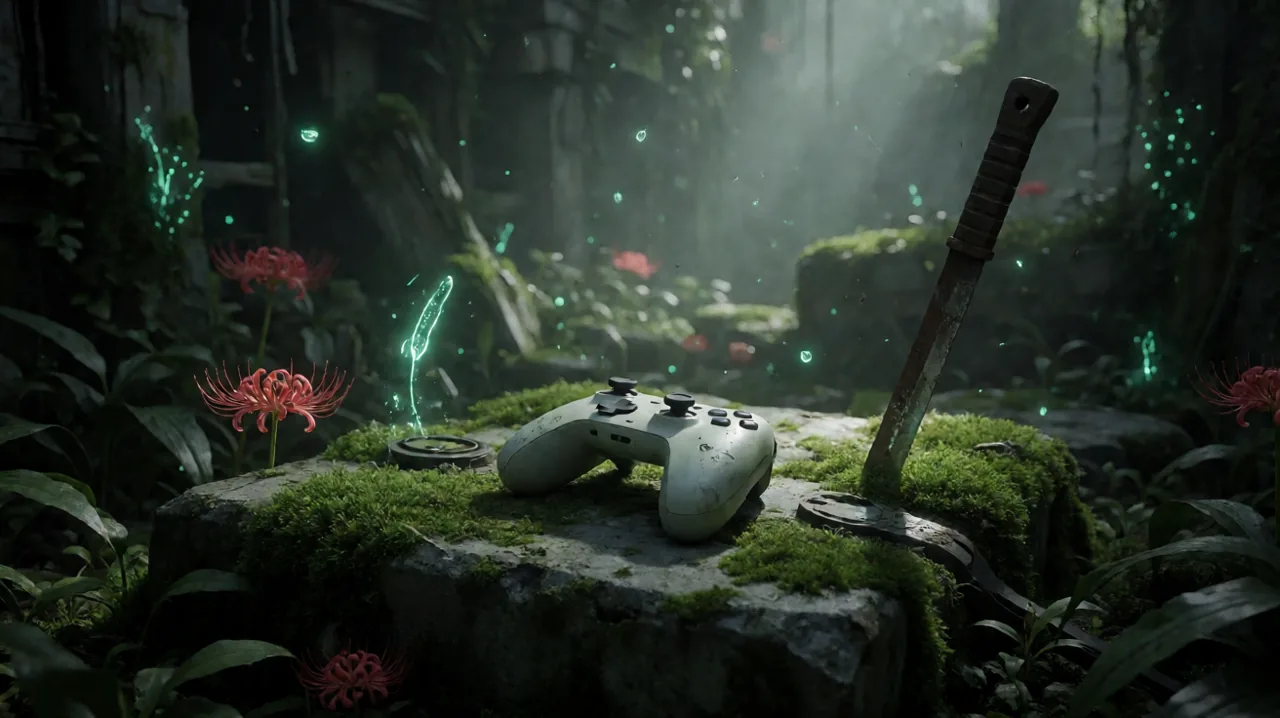
Game Freak’s ambitious leap into the hardcore action RPG space with Beast of Reincarnation has captured the attention of the gaming community. Set in the blight-ravaged ruins of a futuristic Japan in the year 4026, the game demands absolute precision from the player. Whether you are using Emma’s mutated vine-like hair to dynamically traverse the decaying environment or executing perfectly timed parries against towering malefact monstrosities alongside your faithful dog Koo, tactile physical feedback is a crucial part of the mechanical experience.
However, PC players have recently noticed a significant discrepancy in how the game handles controller support, specifically regarding the PlayStation DualSense peripheral. Depending on the digital storefront you purchased or downloaded the game from, your tactile experience can range from incredibly immersive to completely non-existent.
A recent wave of community reports highlights a frustrating issue for those accessing the title through the Microsoft Xbox app. We are breaking down exactly what is happening with the Game Pass build, why the community is actively requesting patches, how to ensure you get the best haptic experience if you are on Steam, and the optimal controller settings to help you survive the harsh realities of Project Bloom’s legacy.
The DualSense Discrepancy: Steam vs. PC Game Pass
When Beast of Reincarnation launched in August, it arrived simultaneously on PlayStation 5, Xbox Series X|S, and PC platforms. Crucially, it was also a massive day-one addition to the PC Game Pass library, opening the gates for millions of subscribers to try out Game Freak’s dark departure from their traditional turn-based roots without paying the full retail price upfront.
While the game itself is feature-identical in terms of content across all platforms, the PC ecosystem has presented a unique technical quirk. Players using a PlayStation DualSense controller on the Steam version are enjoying full native support, complete with advanced haptic feedback and tension on the adaptive triggers. Conversely, players experiencing the game on the PC Game Pass version are community-reporting a total lack of advanced haptics—and in many severe cases, an absence of basic controller rumble altogether.
A recent post from Reddit user FISH15328 echoed the sentiment of many in the community, noting that while halfway through their Game Pass playthrough, they discovered the Steam version natively supports these advanced DualSense features. The player expressed concern over whether Game Freak will patch the Xbox app version to include these features, a sentiment shared by many PC gamers who prefer the specific ergonomics and feedback of the Sony peripheral over standard XInput devices.
The root of this issue reportedly stems from how the different PC storefronts handle peripheral APIs. Steam Input has built-in, highly robust wrappers for the DualSense, and developers can easily hook into Steam’s architecture to provide native support without reinventing the wheel. The Xbox app and the Universal Windows Platform (UWP) environment, however, are inherently designed around the XInput standard—the rigid protocol used by traditional Xbox controllers. Games on Game Pass often require developers to implement specific, separate custom coding to recognize and utilize DualSense features outside of the standard XInput wrapper, something that Game Freak has reportedly not yet implemented for this specific PC build.
Why Haptic Feedback Matters for Emma and Koo
You might logically wonder if missing out on advanced haptics is truly a dealbreaker. While Beast of Reincarnation is perfectly playable and highly enjoyable on any standard gamepad or even a keyboard, the tactile feedback was clearly designed from the ground up to bridge the sensory gap between the player and the grim world of 4026 Japan.
The core combat system relies heavily on reading enemy attack animations and understanding the physical weight of your actions. When Emma actively absorbs the parasitic blight using her plant-like hair appendages, the native DualSense haptics on PS5 and Steam provide a distinct, pulsating physical resistance that accurately mirrors the struggle of containing the corruption. It is a subtle mechanical translation of the game’s core narrative theme—the heavy, isolating burden placed upon a Sealer.
Furthermore, intense combat encounters against massive mutated beasts are balanced around incredibly tight deflection windows. Much like the rhythmic metallic clashes found in titles like Sekiro or Stellar Blade, successfully parrying a heavy swipe from a creature like Nushi Taurus sends a sharp, localized physical shock through the center of the controller. This confirms your timing mechanically without requiring you to take your eyes off the enemy models to check for UI flashes.
Koo, your massive canine companion and fellow malefact, also greatly benefits from this tactile system. When you issue tactical commands for Koo to flank or distract a target, the haptics provide directional feedback based on Koo’s physical position relative to the camera angle. Losing this entire layer of physical communication on the Game Pass version means relying entirely on visual elements and audio cues, which can easily become chaotic and overwhelming during multi-enemy encounters in the game’s heavily overgrown forest environments.
How to Enable Full DualSense Support on Steam
If you own the game on Steam and want to ensure you are experiencing the immersive haptics exactly as the developers intended, you need to verify a few specific hardware and software settings. Connecting your controller to your PC via a standard Bluetooth connection will usually default it to basic, low-fidelity rumble emulation due to bandwidth limits. To get the high-fidelity feedback:
- Use a Direct Wired Connection: You must connect your DualSense to your PC via a high-quality data-rated USB-C cable. The advanced haptic audio channels required by the game engine cannot currently be transmitted over a standard Bluetooth connection for this specific title.
- Disable Steam Input Interference: Sometimes, Steam’s own overarching controller translation software can inadvertently override a game’s native API. To fix this, right-click Beast of Reincarnation in your Steam library, select Properties, navigate down to the Controller tab, and select “Disable Steam Input” from the dropdown menu. This forces the game application to read the physical device directly.
- Verify In-Game Menus: Navigate to the main controls and settings menu within the game and ensure that the dedicated Haptic Feedback toggle is set to “Enabled.”
Workarounds for the Game Pass Missing Rumble
For the thousands of players currently tackling the lengthy campaign via Game Pass, the wait for an official developer fix continues. Currently, plugging in a DualSense directly to the Game Pass version of the game may result in a completely dead peripheral with zero feedback. However, you can force basic rumble functionality by utilizing third-party controller emulation software.
Applications like DS4Windows or DualSenseX allow your PC operating system to read the PlayStation controller as a virtual Xbox 360 or Xbox One controller.
- The Setup Process: Once installed, properly configure the emulation software to broadcast an Xbox controller signal.
- The Intended Result: When you launch the game through the Microsoft Xbox app, it will read your physical DualSense strictly as an XInput device.
- The Major Caveat: This workaround will only restore standard, traditional vibration (the internal motors spinning up heavily when you get hit or land a critical blow). It will not restore the highly nuanced haptic feedback or the tension of the adaptive triggers, as XInput fundamentally does not support these advanced parameters. Still, having standard rumble is arguably vastly superior to holding completely dead plastic in a high-octane action game.
Optimal Controller Settings for High-Stakes Combat
Regardless of which specific controller brand or PC platform you are currently using, tweaking the default control settings is highly recommended if you want to survive the brutal endgame zones. Beast of Reincarnation is notoriously unforgiving, and a poorly calibrated analog stick can easily mean the difference between a successful dodge roll and a frustrating, unavoidable stun-lock death.
Camera Sensitivity and Acceleration
The default camera tracking in the game can occasionally feel slightly sluggish, especially when you find yourself locked onto highly mobile malefact enemy types that frequently leap into the air or break your line of sight.
- Horizontal Sensitivity: We recommend increasing this slider to around 65-70. You absolutely need the ability to quickly survey the surrounding environment, especially when Koo audibly alerts you to an off-screen threat approaching from behind.
- Camera Acceleration: Consider turning this slider significantly down or entirely off. Acceleration creates a variable, unpredictable turn speed that can completely ruin your muscle memory when attempting quick snap-turns to manage crowd control.
Deadzone Adjustments
If you find Emma moving sluggishly out of her idle animations or notice your character drifting slightly on narrow, dangerous mountain paths, you need to check the analog deadzones immediately.
- Lowering the left stick deadzone to the lowest possible numerical threshold before physical stick drift occurs will make traversal and dodge initiations feel significantly more responsive and snappy.
Input Layout Considerations
While the default button layout works well for standard play, players relying heavily on spirit stones for elemental status damage might find the default D-pad cycling incredibly cumbersome mid-fight.
Ensure that you are highly comfortable utilizing the tactical pause window. When holding the dedicated command bumper for Koo, the game briefly slows down time. Use this crucial window not just to direct your companion to attack or defend, but to safely and calmly cycle your item inventory without dropping your guard. Furthermore, if you are struggling with the default parry timing mapped to the left trigger, some community members have reported great success remapping the parry action to a physical face button for a much quicker tap response, though this requires completely retraining your muscle memory away from the standard combat basics setup.
Awaiting Game Freak’s Response
The community is actively reporting the Game Pass controller support issues on official discussion forums and social media channels. Game Freak has been relatively swift and highly communicative with their post-launch support schedule, recently addressing major performance bugs and camera clipping quirks in patch 1.0.12.
It is widely expected that peripheral API improvements for the Microsoft Store build are on the developer agenda, though a concrete release timeline remains unconfirmed at this time. For now, Game Pass players will have to rely on third-party emulation tools to secure basic rumble, or temporarily switch to an Xbox-compatible gamepad for a flawless plug-and-play experience. We will continue to monitor the situation and update this guide as soon as official patch notes address the controller API infrastructure.