Beast of Reincarnation Standard vs Deluxe Edition & Bonus Guide
Compare Beast of Reincarnation's Standard Edition, Digital Deluxe Edition, Deluxe DLC and pre-order items using Fictions' current support guidance, with redemption steps for physical and digital owners.
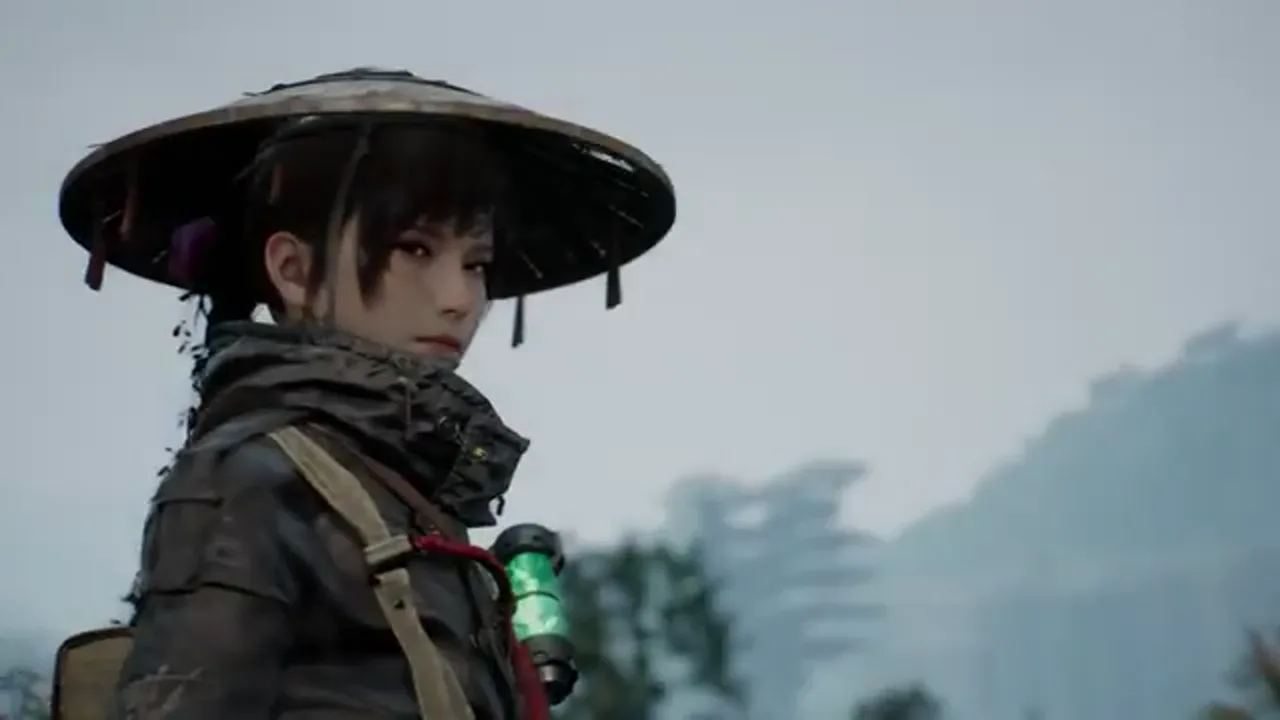
The useful question when choosing a Beast of Reincarnation edition is not “which one is objectively best?” It is “which confirmed extras do I actually want, and can I add them later?” Fictions’ support articles give a straightforward answer. There is a Standard Edition, a Digital Deluxe Edition, and Digital Deluxe DLC that Standard Edition owners can buy through the storefront where they made the original purchase. Separate pre-order items have their own redemption rules.
This guide uses the official store and Fictions support information rather than reseller bundles or launch-day screenshots. Prices can change by region and sale, while add-on availability can differ by platform storefront. Check the store connected to your account immediately before payment; the current official listing is more reliable than any fixed price written in an article.
The basic choice: Standard, Deluxe or later DLC
The Standard Edition is the base game. The Digital Deluxe Edition includes the base game plus the named Deluxe bonus items. If you already own Standard, Fictions says you can purchase Digital Deluxe DLC from the same storefront to receive those Deluxe items. That means a buyer does not need to repurchase the full game solely to obtain the upgrade content.
At the time this page was updated, Steam’s US listing showed a $59.99 Standard Edition and a $69.99 Deluxe Edition, with a separate Digital Deluxe DLC listing. Treat those as a reference snapshot, not a global promise. Currency, tax, bundle discounts, subscription benefits and retailer stock can make the price you see different. The decision should be based on the live price in your own storefront and the actual item list shown there.
The important ownership rule is storefront-specific. Fictions’ guidance says to find the Digital Deluxe DLC on the storefront where you purchased the Standard Edition. Do not assume a purchase on one platform automatically creates an add-on entitlement on another. Sign in to the account that owns the game, find the game page or add-on section, and confirm the product is compatible before paying.
Confirmed Deluxe Edition items
Fictions’ edition information lists the following Deluxe items:
- Alternate Black Shiba Skin for Koo;
- Alternate Brown Shiba Skin for Koo;
- Oni’s Hat for Emma;
- Emma’s Big Dipper sword;
- 100,000 Amber in-game currency; and
- vegetable seedlings for in-game use.
The support article says these Deluxe bonuses remain available as part of a Deluxe purchase after the pre-order window. This is different from a time-limited pre-order offer. It also does not tell us the exact combat value, rarity, unlock timing or balance effect of every item. A cosmetic skin is easy to understand; an in-game sword or currency amount may have a game-progression context that should be checked in the shipped version rather than guessed from an edition name.
Buy Deluxe when those confirmed items have value to you at the current price difference. Avoid treating it as a mandatory “complete” version unless the official store says the base game omits essential content. The listed extras are bonuses, not a statement that Standard Edition players cannot finish the game or use the core combat system.
Pre-order items are not the same as Deluxe items
Older trailers, retailer pages and social posts can mix together several categories of bonus content. Fictions separates them. The pre-order details identify a Brown Shiba Skin for Koo and 30,000 Amber as Standard Edition pre-order items. Those terms were connected to the pre-order window. The Deluxe list contains a Brown Shiba Skin too, but also Black Shiba, the Oni’s Hat, Big Dipper, 100,000 Amber and vegetable seedlings.
The overlap in the Brown Shiba Skin does not mean every post-launch Standard Edition purchase receives it. If you bought before launch, consult your platform receipt, the product edition and the official pre-order redemption article. If you are buying after launch, read the current Standard/Deluxe store descriptions rather than relying on a cached “pre-order now” image.
This distinction prevents two common errors: paying for Deluxe because you think it is the only source of a past pre-order item, or assuming a Standard purchase today automatically includes a bonus that was explicitly time-limited. The official store and support page should settle both questions for your region.
Upgrade a Standard Edition purchase
If you own Standard and decide you want the Deluxe items, Fictions instructs players to find Digital Deluxe DLC in the storefront where the game was purchased. The safest process is:
- Sign into the account that owns the Standard Edition.
- Open Beast of Reincarnation in that storefront.
- Look for its add-ons, downloadable content or edition-upgrade section.
- Confirm the item is named Digital Deluxe DLC and is available for the platform you own.
- Review the live item description and price before purchase.
- After purchasing, let the platform download/install the add-on if it prompts you to do so.
Do not buy a random “Deluxe key” from an unrelated seller simply because the name sounds similar. Region locks, platform mismatch and expired pre-order stock can all turn a purchase into a support problem. Fictions’ wording points to the original storefront for a reason: that is where your base-game entitlement and add-on compatibility can be checked together.
Redeem physical-disc pre-order items
Fictions says physical-disc buyers receive a code either in the box or at checkout. Redeem that code through the Redeem button in the console store. Keep the receipt, code slip and original package until you have verified the items are available, especially if the bonus is part of a retailer-specific promotion.
The exact visual location of the Redeem button can differ on PS5 and Xbox and can change with store updates. Use the console store connected to the platform printed on the code; a PlayStation code will not be redeemed in an Xbox store, and vice versa. If a code is rejected, check the region, expiration language and product/platform label before trying it repeatedly. Do not post an unused code publicly while seeking help.
Digital-edition pre-order items
For digital buyers, Fictions says pre-order items install along with the game. That is the expected behavior, but it is sensible to verify the installed add-ons in the platform library if an item does not appear. Confirm that the purchase account is the one currently signed in, check whether the add-on has a separate download state, then restart the game after the platform has completed its installation.
If the bonus is still missing, collect the order number, platform, account region, edition name and a screenshot of the installed add-ons before contacting support. This gives Fictions a usable record without exposing full payment details in a public forum. Do not assume a missing bonus is a game bug until you have ruled out a code or entitlement issue.
Choose with a short checklist
Before purchasing, answer these questions:
- Do you want the listed Deluxe cosmetics, sword, Amber and seedlings enough to justify the local upgrade cost?
- Are you buying in the same storefront where you want to keep your game license?
- Is the offer you are looking at a current Standard/Deluxe listing, or an expired pre-order advertisement?
- If buying physical, does the retailer confirm the correct console and region?
- If upgrading, does the add-on page explicitly say Digital Deluxe DLC for your owned platform?
- If a bonus is missing, have you checked installed add-ons and your receipt before submitting a ticket?
For the broader platform decision, read Where to Play & Game Pass. For current patch and support information, use Patches, v1.0.7 Changes & Known Issues. This page will be updated when Fictions publishes a revised edition policy or a new official bonus package.
Frequently asked questions
What is included with the Beast of Reincarnation Deluxe Edition?
Fictions lists Black and Brown Shiba skins for Koo, the Oni's Hat, Emma's Big Dipper sword, 100,000 Amber and vegetable seedlings as Deluxe items. Confirm the live store listing for your region before buying.
Can Standard Edition owners get the Deluxe items later?
Yes. Fictions says owners can buy Digital Deluxe DLC from the storefront where they purchased the Standard Edition to receive the Deluxe bonus items.
How do I redeem physical-edition pre-order items?
Fictions says physical-disc buyers receive a code in the box or at checkout, which can be redeemed through the console store's Redeem function.
Do digital pre-order items need a separate code?
Fictions says digital-edition pre-order items install alongside the game. If they are missing, check the platform's add-on list and contact official support with purchase details.