Optimal Handheld PC Settings for Beast of Reincarnation: Reaching 55+ FPS at 20W
Discover community-tested optimal settings for playing Beast of Reincarnation on portable PCs, utilizing 900p integer scaling and XeSS Frame Gen for smooth combat.
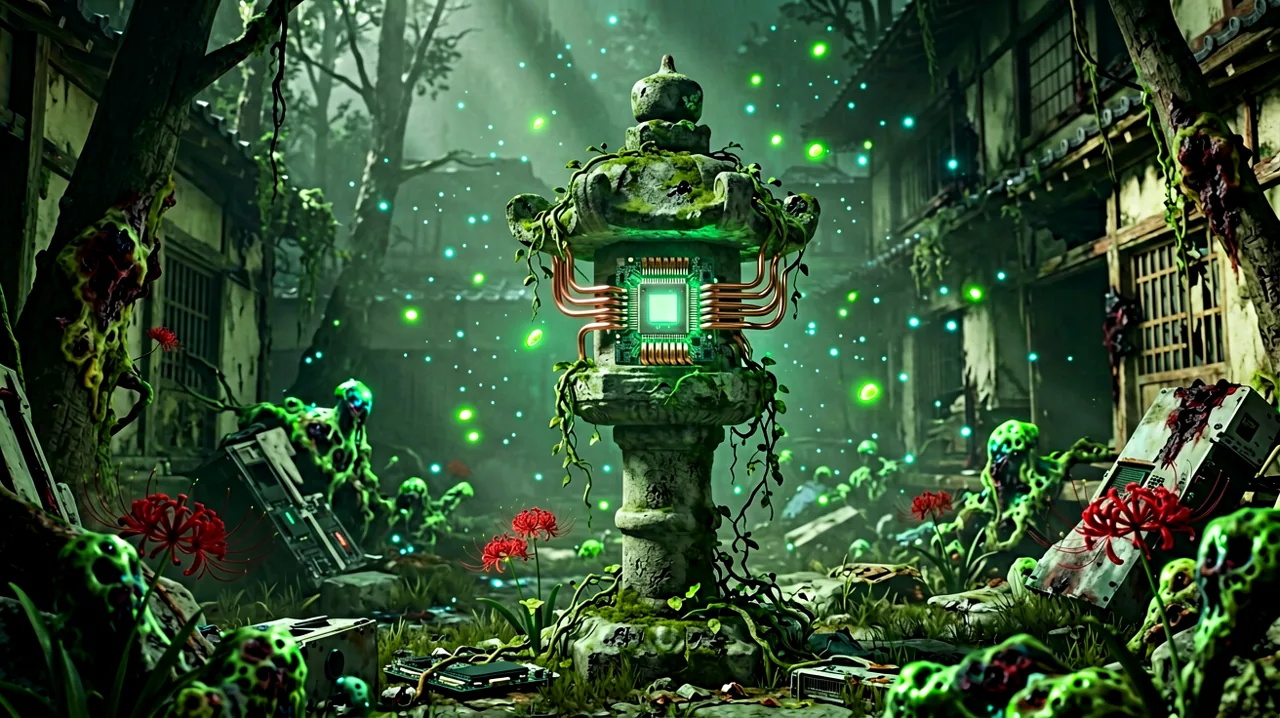
Game Freak’s departure from their traditional turn-based monster-catching formula has been the defining talking point of late 2026. Beast of Reincarnation is a massive, visually arresting action RPG built on Unreal Engine 5, presenting a terrifyingly beautiful vision of a ruined Japan in the year 4026. While PlayStation 5 and high-end desktop owners have been comfortably exploring the parasitic blight-infested mountain settlements since August, players on portable PCs have faced a significantly rougher journey.
Getting this notoriously demanding title to run at acceptable frame rates on devices like the Steam Deck, ASUS ROG Ally, Lenovo Legion Go, and various OneXPlayer models has felt like solving an endgame puzzle. The dynamic physics of Emma’s mutated plant-like hair, the dense rendering of Koo’s fur, and the persistent volumetric fog of the blight spores push mobile APUs to their absolute breaking point.
However, as we cross the one-month mark since launch, dedicated handheld enthusiasts have tirelessly experimented with PC settings and performance sliders. Recently, a consensus has emerged from the community—specifically highlighted by users testing on the OneXPlayer Super V—revealing a highly specific configuration that reportedly delivers a stable 55+ FPS experience without entirely sacrificing battery life or introducing lethal input lag.
The 20W TDP Sweet Spot
When configuring a portable PC for a heavy Unreal Engine 5 load, the Thermal Design Power (TDP) dictates everything. It controls exactly how much wattage the processor is allowed to draw. If you set it too low, around 15W, Beast of Reincarnation essentially turns into a slideshow. The dense foliage of the overgrown Japanese ruins and the complex particle effects that trigger whenever Emma absorbs blight simply overwhelm the APU, resulting in harsh frame pacing issues and sub-30 FPS performance.
Conversely, cranking the device up to 30W or higher will muscle through the engine’s demands, but it comes at a severe cost. Not only will a 30W draw drain a standard handheld battery in under 45 minutes, but the resulting heat often leads to thermal throttling right in the middle of a prolonged boss encounter.
The community has pinpointed 20W as the absolute sweet spot for this specific title. At 20W, devices equipped with modern AMD APUs (like the Z1 Extreme or 7840U) receive just enough juice to sustain the baseline logic and rendering of the game without overheating. It offers a balanced compromise, providing enough graphical grunt to keep the frame times consistent while allowing you to actually play untethered for a reasonable amount of time.
Display Mastery: 900p and Integer Scaling
Resolution scaling on an 8-inch screen is tricky. Attempting to run Beast of Reincarnation at a native 1080p or 1200p resolution on a 20W power budget is a recipe for disaster. The immediate instinct for many players is to drop the internal resolution to 720p and rely on the device’s built-in bilinear upscaling to stretch the image to fill the screen.
Unfortunately, this game’s art direction suffers terribly under standard upscaling. The intricate 1960s retro-tech elements scattered throughout the world, the detailed inscriptions on your equipped spirit stones, and the neon green spores of the blight all merge into a blurry, muddy soup. It becomes actively difficult to read enemy telegraphs when everything looks out of focus.
The community-reported solution to this visual degradation is setting the game’s resolution to 1600x900 (900p) and enabling Integer Scaling at the GPU driver level. Integer Scaling fundamentally changes how the lower resolution image is expanded. Instead of guessing and blurring the pixels between points, it perfectly maps the pixels in whole numbers. Because 900p is mathematically much closer to the native resolution of most modern handheld screens than 720p, the Integer Scaling process retains incredibly sharp edges. Emma’s vine-like appendages remain distinct, the traditional Japanese architecture keeps its crisp silhouettes against the ruined skyline, and the UI elements stay entirely readable.
Leveraging XeSS Multi-Frame Generation
While 20W and 900p create a clean, stable baseline, it still isn’t enough to hit the golden 60 FPS mark natively. This is where advanced upscaling technologies come into play. Ever since Update 1.0.9 introduced official support for frame generation, players have been pushing the boundaries of what is possible on lower-end hardware.
According to widespread community testing, Intel’s XeSS outshines FSR in this specific application, particularly when utilizing the XeSS Multi-Frame Generation at a 2x multiplier. By analyzing motion vectors, the algorithm effectively inserts synthesized frames between the natively rendered ones, pushing the perceived performance to a remarkably smooth 55 to 60+ FPS.
The elephant in the room regarding frame generation is always input latency. Beast of Reincarnation has drawn heavy, justified comparisons to Sekiro: Shadows Die Twice and Nier: Automata. The combat is vicious, fast, and entirely built around reading enemy animations to execute perfect deflections with Emma’s wind blade. Any artificial delay between pressing the button and seeing the action on screen usually means taking catastrophic damage.
Surprisingly, players relying on this 20W XeSS configuration are reporting that the input delay is completely negligible. Game Freak appears to have implemented the frame generation pipeline in a way that prioritizes input polling, meaning you can still comfortably react to lightning-fast strikes without feeling like you are fighting through molasses.
Why Fluid Performance is Mandatory
Hitting these higher frame rates isn’t just about making the camera pans look smoother; it is a mechanical necessity for mastering the game. As a Sealer, Emma’s role in combat dictates a relentless rhythm of offense and defense. You are constantly weaving standard attacks, deflecting incoming blows, and using your vine-hair to absorb the parasitic blight from weakened enemies.
If you are fighting a massive, aggressive malefact like Nushi Taurus at a fluctuating 30 FPS, the visual feedback simply doesn’t align well with the tight parry windows. Stutters can cause you to mistime a dodge, leaving you vulnerable to a devastating charge.
Furthermore, the companion mechanics demand situational awareness. Utilizing how Koo’s slow-motion tactical skills twist the hardcore combat requires you to quickly assess the battlefield, position Emma properly, and issue commands to your massive white canine partner while simultaneously defending yourself. At 55+ FPS, the transition into Koo’s tactical slow-motion state is seamless, allowing you to execute complex pincer maneuvers without the engine hitching and ruining your concentration. Since Update 1.0.6 smoothed out the camera behavior during these tactical pauses, maintaining a high frame rate ensures the combat logic remains fair and precise.
A “Delightful Blend of Ideas” on the Go
The effort required to optimize the game for portable play is entirely justified by the quality of the experience. Just recently, prominent entertainment outlet Empire Online published their review of the game, praising it as “a delightful blend of ideas.”
This accurately summarizes why players are so determined to take the game with them. Game Freak took a massive risk by stepping entirely out of their comfort zone, blending a melancholic, far-future post-apocalyptic narrative with hardcore, timing-based action and a deeply integrated animal companion system. When the technical hurdles are cleared and the game is running smoothly in the palms of your hands, the execution of these ambitious ideas truly shines. Exploring the hauntingly quiet mountain settlements and uncovering the truth behind the blight feels incredibly immersive when you aren’t constantly distracted by performance drops.
Recommended Handheld Settings Checklist
If you are looking to replicate these community-tested results on your portable PC, here is the exact configuration checklist to follow before you venture back out into the ruined wilderness:
- Device TDP/Wattage: Manually lock to 20W via your device’s control center.
- In-Game Resolution: 1600x900 (900p).
- GPU Driver Settings: Ensure Integer Scaling is toggled ON (found in AMD Adrenalin or equivalent software).
- Upscaler Method: XeSS (Set to ‘Balanced’ or ‘Performance’ depending on your specific APU).
- Frame Generation: XeSS Multi-Frame Generation set to 2x.
- Textures: Medium (Crucial for maintaining the visual fidelity of Koo’s fur without exceeding VRAM limits).
- Shadows & Foliage: Low (Reduces the load caused by the dense overgrown environments).
- Volumetrics/Fog: Low (Essential for maintaining performance when blight spores fill the screen).
By applying these settings, you should be able to rely on your reflexes rather than fighting the hardware, allowing you to fully appreciate the dangerous, breathtaking world Game Freak has constructed.